


Drive with beDriver: Vietnam’s Ride-Hailing Partner App
Overview
beDriver is a desktop application developed by Be Group JSC, designed specifically for drivers participating in the Be ride-hailing service across Vietnam. The software enables individuals to manage their driving assignments, track performance metrics, and access tiered benefits based on their service quality. Targeted primarily at part-time drivers seeking supplemental income, the app integrates seamlessly into daily routines, allowing users to work during free hours.
It supports a structured performance system that evaluates drivers based on star ratings, trip acceptance rates, and cancellation frequency. Users are classified into five tiers—beSilver, beGold, beSTAR, bePRO, and bePRO+—each offering distinct advantages such as fuel discounts, health insurance, and exclusive recognition features. The app also emphasizes safety, incorporating measures to protect drivers during operations.
While the software is intended to enhance the driving experience, users have reported instability following updates. The developer did not provide additional system requirements beyond the operating systems listed. Real-world usage includes managing trip requests, monitoring performance scores, and accessing rewards tied to classification levels.
Key Features & Capabilities
- Performance-Based Tier System – Drivers are ranked across five levels based on average ratings, acceptance rates, and cancellation behavior. Higher tiers unlock exclusive benefits.
- Classification-Specific Rewards – Each tier offers tailored incentives, including fuel discounts, health insurance, and access to special events for bePRO and above.
- Driver Identification Features – bePRO and bePRO+ drivers receive a visible icon in the app, enhancing visibility and credibility to passengers.
- Official Registration Integration – The app supports the registration process for new drivers, requiring ID and vehicle registration details via Be’s official website.
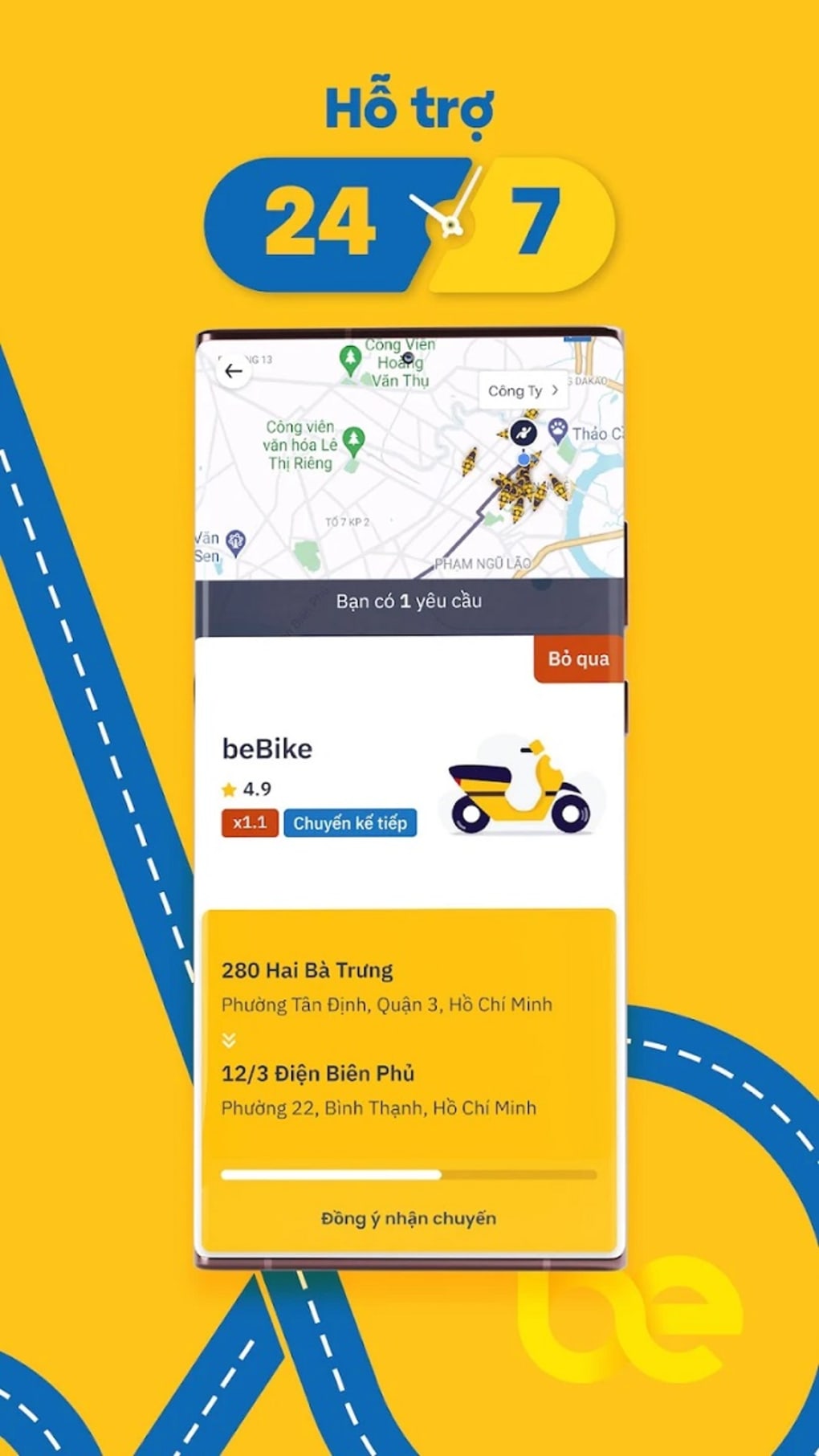
- Real-Time Trip Management – Drivers can accept, decline, or manage ride requests directly through the desktop interface.
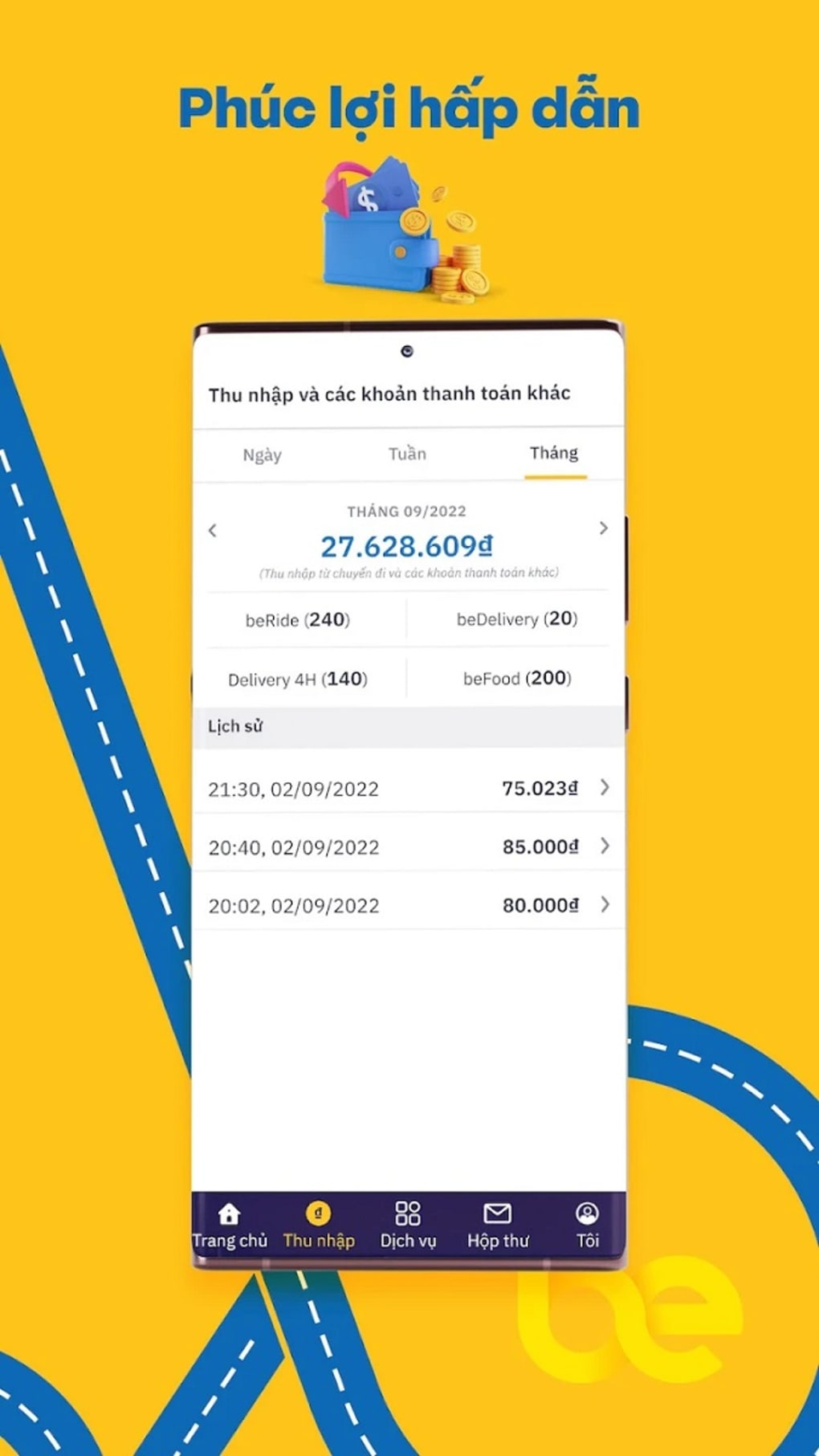
These features allow drivers to maintain consistent performance, improve their standing, and access tangible rewards. For example, a driver who consistently receives high ratings may progress from beSilver to bePRO, unlocking a free light box and eligibility for regular training sessions. The system encourages accountability and long-term engagement by linking rewards to sustained excellence. The app also serves as a central hub for managing personal performance data and tracking progression toward the bePRO+ tier, which requires four consecutive months in bePRO status. While the software does not include advanced analytics, it provides essential tools for operational oversight and career advancement within the Be ecosystem.
User Interface, Workflow & Performance
The user interface of beDriver is structured to support efficient navigation through core driving functions. Menus and dashboards are designed for quick access to trip requests, performance statistics, and tier information. The workflow prioritizes responsiveness, enabling drivers to accept or decline rides with minimal delays.
Navigation is straightforward, though the developer did not specify resource usage details. Performance observations are based on general software behavior patterns. Users have reported that the app may crash after updates, which could affect workflow continuity.
Stability during active use appears consistent, but post-update behavior remains inconsistent. CPU and RAM usage were not disclosed, so no definitive conclusions can be drawn about system impact. The desktop version appears optimized for use on Windows and Mac platforms, though exact performance benchmarks were not provided.
Overall, the interface supports practical use for drivers managing their schedules and performance metrics. However, the lack of detailed performance data limits deeper evaluation of efficiency under heavy workloads.
Compatibility & System Requirements
beDriver is available for both Windows and Mac operating systems, with a release version of 1.0.0 and a file size of 45.6 MB. The software is designed to run on standard desktop environments typical of modern PCs and Macs. Exact system requirements were not listed, so users should ensure their devices meet baseline compatibility for desktop applications.
The developer did not specify minimum CPU, RAM, or storage thresholds. Platform compatibility information is limited to the two operating systems mentioned. Installation is straightforward, with no additional dependencies noted.
Users should be aware that the app may experience instability after updates, potentially affecting usability. While the software is intended for desktop use, no details were provided about hardware acceleration or background processes. The absence of detailed requirements means that optimal performance may vary depending on individual device configurations.
Pros and Cons
Pros
- Offers structured performance tiers with tangible rewards
- Supports part-time drivers seeking supplemental income
- Provides clear progression path to higher classifications
- Includes safety-focused design elements
- Free to download and use
Cons
- Reports of app crashes following updates
- No detailed system requirements provided
- Limited performance data for resource usage
- Interface may lack advanced customization options
- Dependent on Be Group JSC’s backend infrastructure
FAQ Section
Is beDriver available for Windows and Mac?
Yes, beDriver is compatible with both Windows and Mac operating systems as stated in the product details.
Is the app free to use?
Yes, the software is available at no cost. There are no fees associated with downloading or using beDriver.
Does beDriver require an internet connection?
Yes, the app requires a stable internet connection to process trip requests, update performance data, and communicate with the Be platform.
Can I update the app manually?
Updates are likely managed through the official distribution channel. The developer did not specify manual update procedures.
Is my personal information secure in beDriver?
While specific security measures were not detailed, the app is developed by Be Group JSC and used for official driver registration, suggesting adherence to standard data protection practices.
Final Thoughts
beDriver serves as a practical desktop tool for drivers in Vietnam who are part of the Be ride-hailing network. Its tiered performance system incentivizes high-quality service, offering real benefits such as fuel discounts, health insurance, and recognition features. The app supports a clear career progression path, making it appealing for those looking to grow within the platform.
While it lacks detailed system specifications and has reported instability after updates, its core functionality remains effective for managing driving assignments and performance tracking. The free model increases accessibility, and the desktop format provides a stable interface for managing work during free time. For drivers seeking a structured, reward-driven experience, beDriver delivers value.
However, users should remain cautious of post-update crashes and ensure they have reliable internet access. Overall, it is a solid choice for those committed to building a reputation as a top-tier driver in the Be ecosystem.
Download beDriver now







